
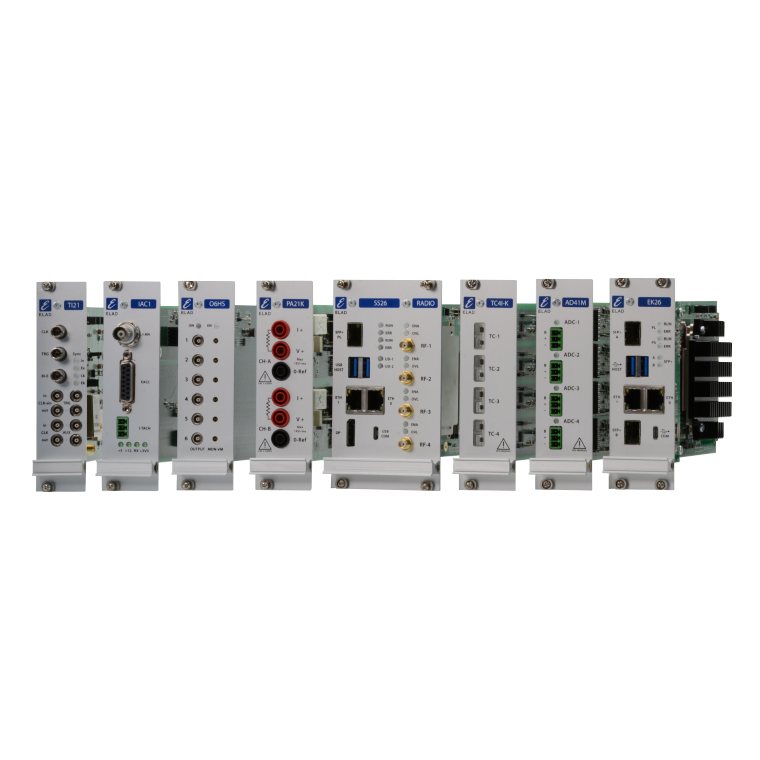
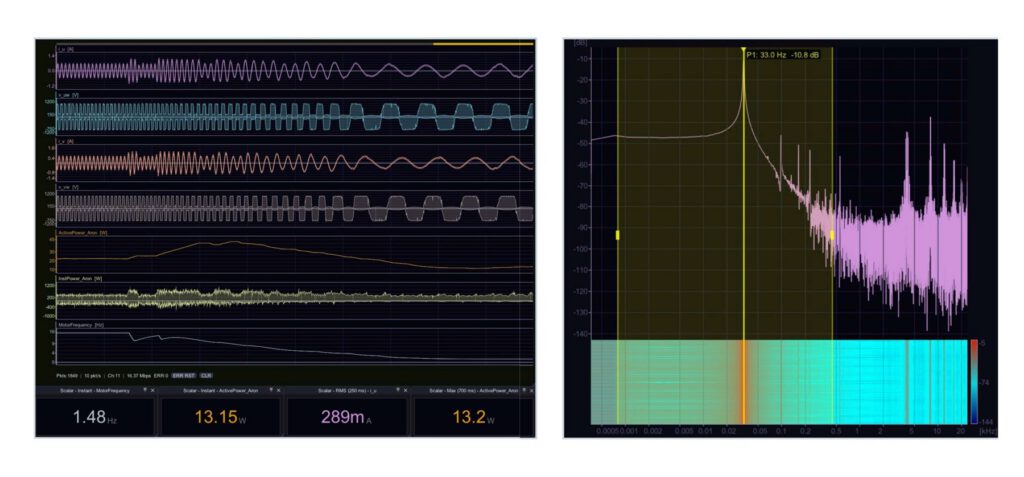
corus Studio is the host application that runs on the PC connected to the rack. One window covers the whole workflow: it configures the boards, streams every channel live, records the raw data and opens the same files again for analysis. Screens are built by the user from widgets; each layout is saved as a dashboard and recalled with one click.
Software
Description
Specifications
Values declared by the manufacturer. For test measurements or customisations, request the technical documentation.
Features
| Area | Description |
|---|---|
| Acquire | Live streaming of all channels, recording to disk, trigger and interlock configuration. During live acquisition the DAC boards can also generate output signals. |
| Analyze | Replay a recording at any speed, build virtual channels with the integrated Python engine, run FFT, waterfall and statistics, and export data in several formats including HDF5. |
Widgets available in the toolbar
| Widget |
|---|
| Live oscilloscope |
| FFT Spectrum |
| FFT + Waterfall |
| Waterfall |
| FFT 3D |
| Scalar |
| Orbital |
| Tachometer |
| XY Plot |
| Phasometer |
| Control Panel |